
Traffic Warrants in Oceana County
Every ticket comes with a deadline. Pay the fine or schedule a hearing, and the citation is done. Let the printed date pass without a response, though, and the case moves into enforcement. Michigan's misdemeanor traffic procedure lets a judge issue an order to show cause first, and a warrant follows if the driver still does not respond. Oceana County publishes no separate traffic-warrant lookup. The 79th District Court's traffic violation page gives the response route and contacts. A call replaces the search box other counties provide.
Oceana County Traffic Warrant Causes
A ticket turns into a warrant in stages. Pay it or book a hearing, and the Oceana County case closes at the first stage. Silence moves it forward. Each stage is a chance to stop a warrant before a judge signs one.
Process line: citation issued, response deadline passes, show-cause order or notice, missed court date, warrant issued, then service or a voluntary appearance, then recall once the court is satisfied.
A first missed criminal hearing often allows a brief window to appear voluntarily. Traffic practice reflects the same idea. For an Oceana County citation, the court decides how it applies.
How to Check for a Traffic Warrant
Start with the citation itself. It names the court, the case number, and the date that shaped your Oceana County warrant check.
- Find the citation or case number and confirm the court printed on the ticket.
- Search the public case search with the 79th District Court selected, using the name and case year or number.
- Call the Traffic Division at (231) 873-4530 and ask whether a warrant, show-cause order, balance, or license notice is on the file.
- Ask whether an online payment is permitted, and whether paying resolves the warrant or only the fine.
- Confirm any licensing step separately, because the court must report compliance before a suspension clears.
Oceana County Traffic Warrant Fields
The statewide portal has a traffic filter. Pick the right court. A citation search then beats a broad name search. The field set below mirrors the Oceana County interface and its search documentation.
| Field | Required | Notes |
|---|---|---|
| Court selection | Yes | Choose Oceana's 79th District Court. |
| Last name or business | Yes for a name search | Matching starts with what you type. |
| First and middle name | No | Adds specificity to a common surname. |
| Birth year | No | Four digits; full dates of birth stay private. |
| Case or citation number | No | Use the year and number exactly as printed. |
| Traffic category and status | No | Narrows results to traffic matters and open or closed status. |
What a Traffic Warrant Shows
Traffic files run lean. A traffic case holds more than a payment stub but less than a criminal one, and Oceana County court staff can confirm the pieces listed here.
| Citation or Case Number | The court's own number, shown as year plus number and type, for example 2025-004321-TR. |
|---|---|
| Violation | The cited offense and whether it is a civil infraction or a misdemeanor. |
| Court | 79th District Court, Oceana County Building, Suite L-15, Hart. |
| Balance | Any fine, costs, or fee the court shows as due. |
| Status | Open, show cause, warrant, recalled, or closed. |
| Next Step | A payment, an informal hearing, a formal hearing, or a court appearance. |
Note: A court balance is not the same thing as a warrant, and a warrant is not the same thing as a license hold.
Oceana County Traffic Warrant Payments
The court posts two separate online routes. One covers fines and fees. The other handles the informal hearings that resolve many Oceana County traffic matters without a trial. Neither route is interchangeable, and neither one proves the court recalled a warrant.
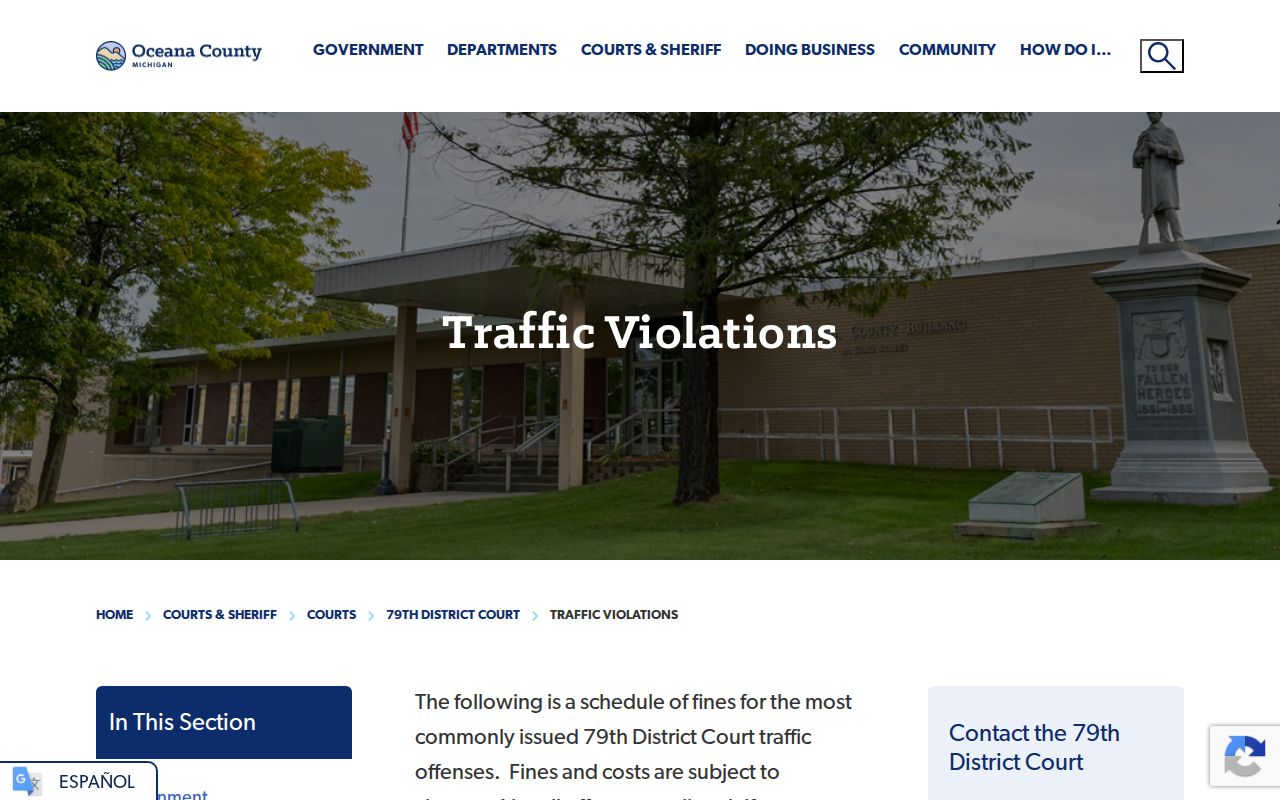 The traffic violation information page shows the court's own instructions and its payment link. Ask the clerk whether the payment you are about to make will satisfy the case or whether the warrant needs a separate step.
Paying or Lifting a Traffic Warrant
Lifting a warrant satisfies the court, not just the fine. Follow the Oceana County steps below in order, and get each answer in writing when you can.
- Call the Traffic Division and ask whether the warrant is still active.
- Ask what the court requires: full payment, a new appearance, a show-cause hearing, or a bond.
- If payment is enough, use the court's published payment route and keep the confirmation.
- If a hearing is required, schedule it and confirm whether an informal hearing is available.
- Ask when the warrant will be marked recalled and recheck the file a few days later.
Caution: Paying a fine does not automatically recall a warrant. Confirm the court's own status after any payment.
None of this touches your driving record. The Oceana County question is a court-record one with a court-record answer.
Oceana County Warrant License Holds
Michigan ties licensing consequences to certain traffic noncompliance, and the Oceana County court reports compliance to the Secretary of State. A suspension or hold clears on that schedule. The payment date is not always the lift date. Ask the clerk two questions. First, was a licensing action started on this case? Second, how does the court send compliance once it ends? A driver's own record check will not recall a court warrant, and a court recall will not always clear a licensing action on its own.
Traffic Warrant vs FTA and License Holds
Four records can sit on one citation at once. Each has its own owner, and sorting them out first saves an Oceana County driver a detour through the wrong office.
| Record | Owner | Cleared By |
|---|---|---|
| Unpaid fine or costs | 79th District Court | Payment or a court-approved plan |
| Show-cause order | 79th District Court | An appearance or a satisfactory response |
| Bench or traffic warrant | 79th District Court | Recall after the court's required step |
| License suspension or hold | Secretary of State, on court notice | Compliance reported by the court |
Oceana County Traffic Warrant After a Move
Court notices go to the address on the file, so a move can turn a routine reminder into a missed date. A late or missing notice is not a reason to wait. Read it for the court and the case number. Search that case in the public portal. Then call the Oceana County Traffic Division at (231) 873-4530 and ask whether an FTA, a show-cause order, or a warrant sits on the file. Ask which address the court lists for notices. Ask how to update it. An address problem never cancels the obligation, but fixing it early stops the next missed date in Oceana County.